Account and journal sign-in
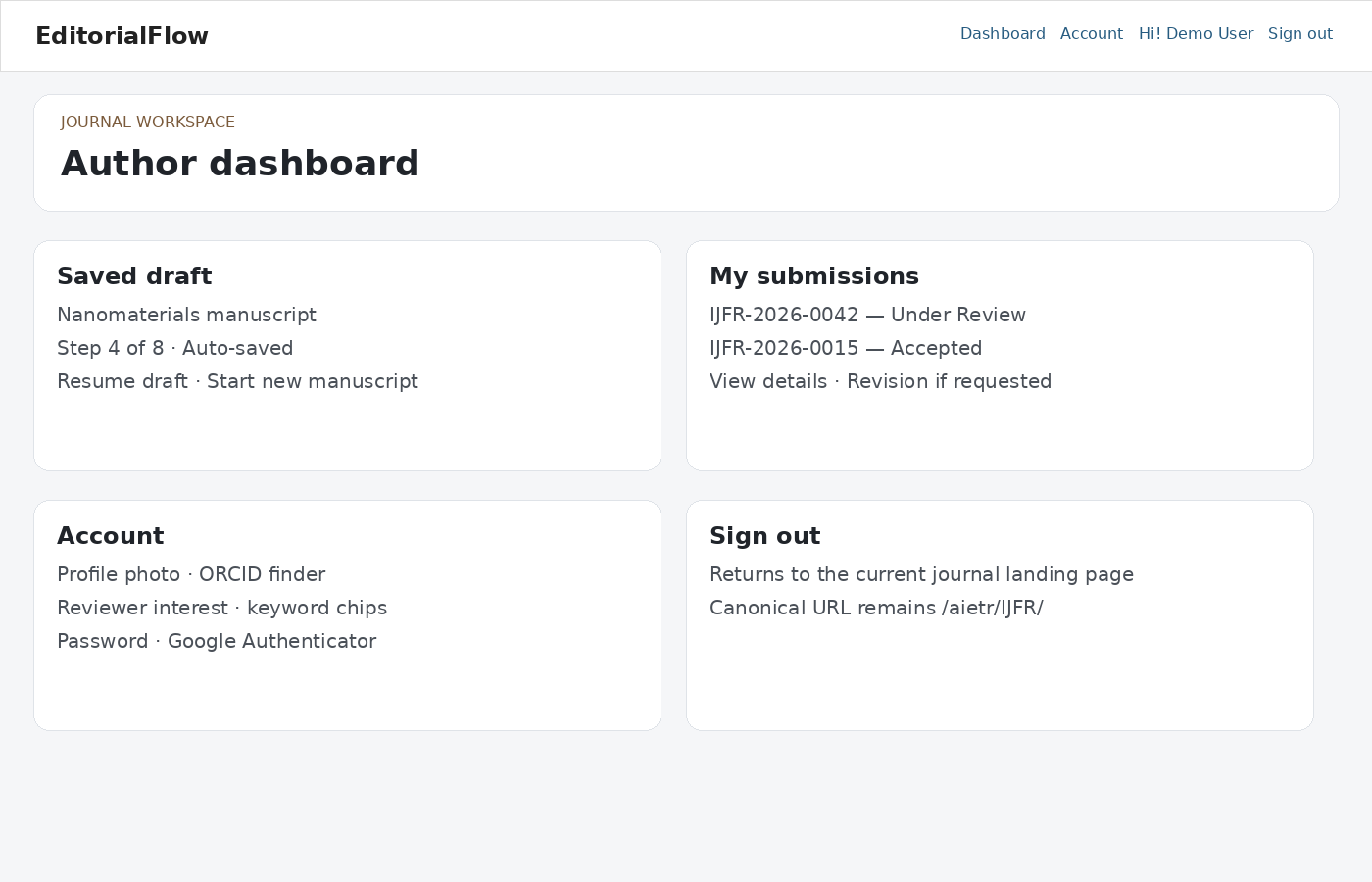
Open the intended journal portal. Use your existing platform account, or register when author registration is available. Journal access is scoped independently even though your identity is shared. Keep your name, affiliation, email, country and ORCID current.
Submit a manuscript
- Read the Guide for Authors and prepare files using the journal’s templates and allowed formats.
- Start a manuscript and select the journal/article type. Enter the title, abstract, subject areas and keywords. Preserve mathematical symbols and review formatted text before submission.
- Add authors and their affiliations, country and ORCID where available. Select the corresponding authors within the journal’s supported limit.
- Upload the manuscript and supporting files, selecting the appropriate type for each. Supply a cover letter if selected or required.
- Complete reviewer suggestions and declarations. If reviewer suggestions are enabled for your submission, enter the required details.
- Review every step and submit. Save the manuscript number and check its status in My submissions. Saving a draft alone does not submit it.
Drafts and corrections
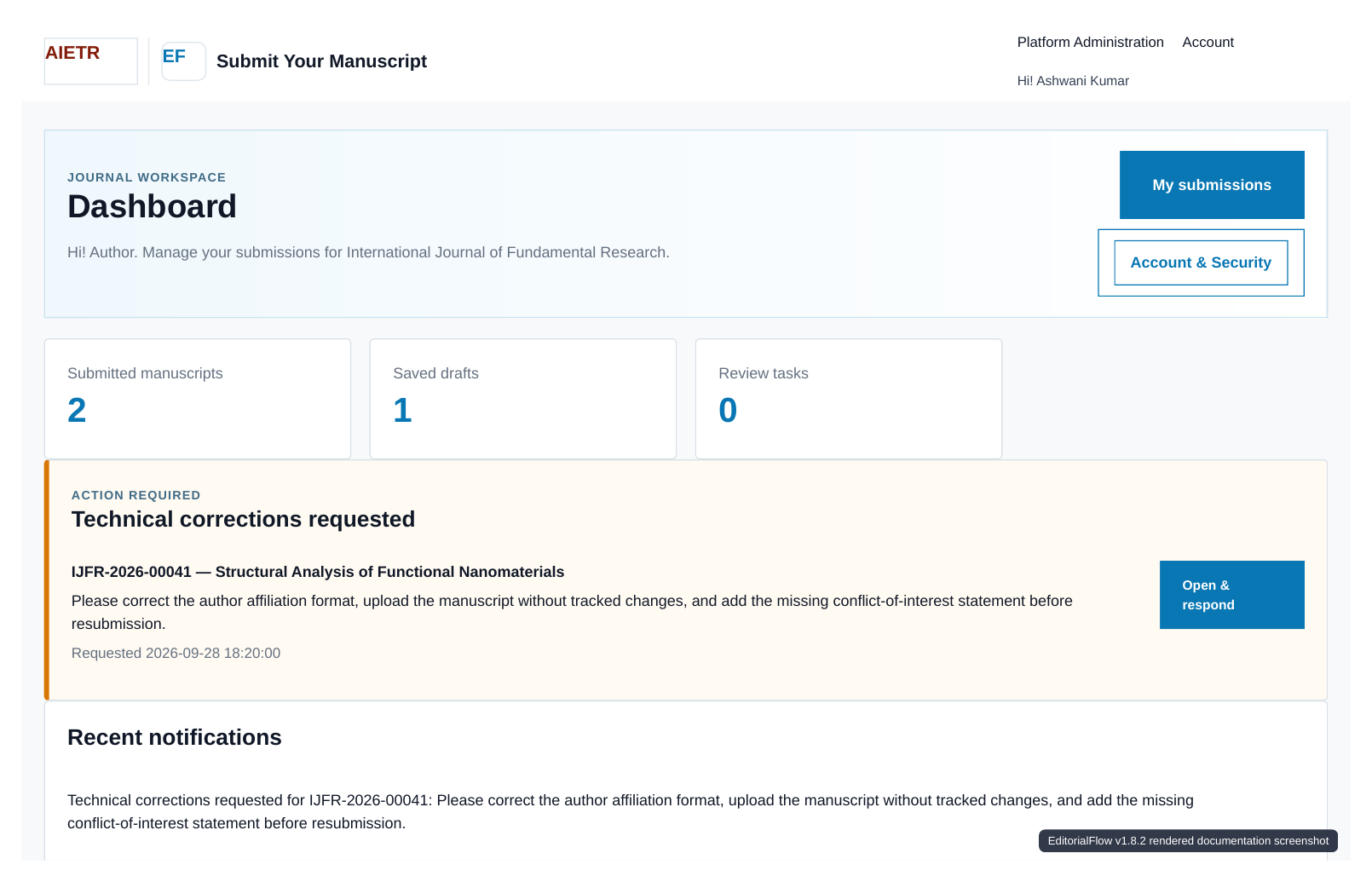
Resume saved drafts from the submission area. Publisher retention policies may delete inactive drafts after the configured period. When an editor requests a correction or revision, read the full message, update the required metadata/files and complete the resubmission action.
Fees
If the journal requests payment, follow the displayed instructions and provide the transaction reference and required evidence. Submission of payment information is followed by editorial verification. Respond to revised requests; contact the journal office about discrepancies.
Journal transfers
A transfer may be offered between eligible journals under the publisher. Accept only after reviewing the destination and its requirements. The manuscript is moved through the existing transfer process, retains transfer history and receives the applicable destination identifier. Complete the destination submission steps; do not create an unrelated duplicate to respond to the transfer.
Status, withdrawal and publication
Check manuscript history, notifications and correspondence regularly. Use available withdrawal controls or contact the editorial office. Final editorial acceptance and publication are distinct: the public article is hosted on the journal’s publishing website.
Getting help
For manuscript questions, include the manuscript number, title and submitting account email. For sign-in problems, use password recovery or the platform support contact. Never send your password or authenticator setup key.