Open journal administration
Sign in from the journal’s stable portal and open Journal Settings. A journal administrator’s authority applies to the assigned journal; platform and publisher administrators inherit administration within their scope.
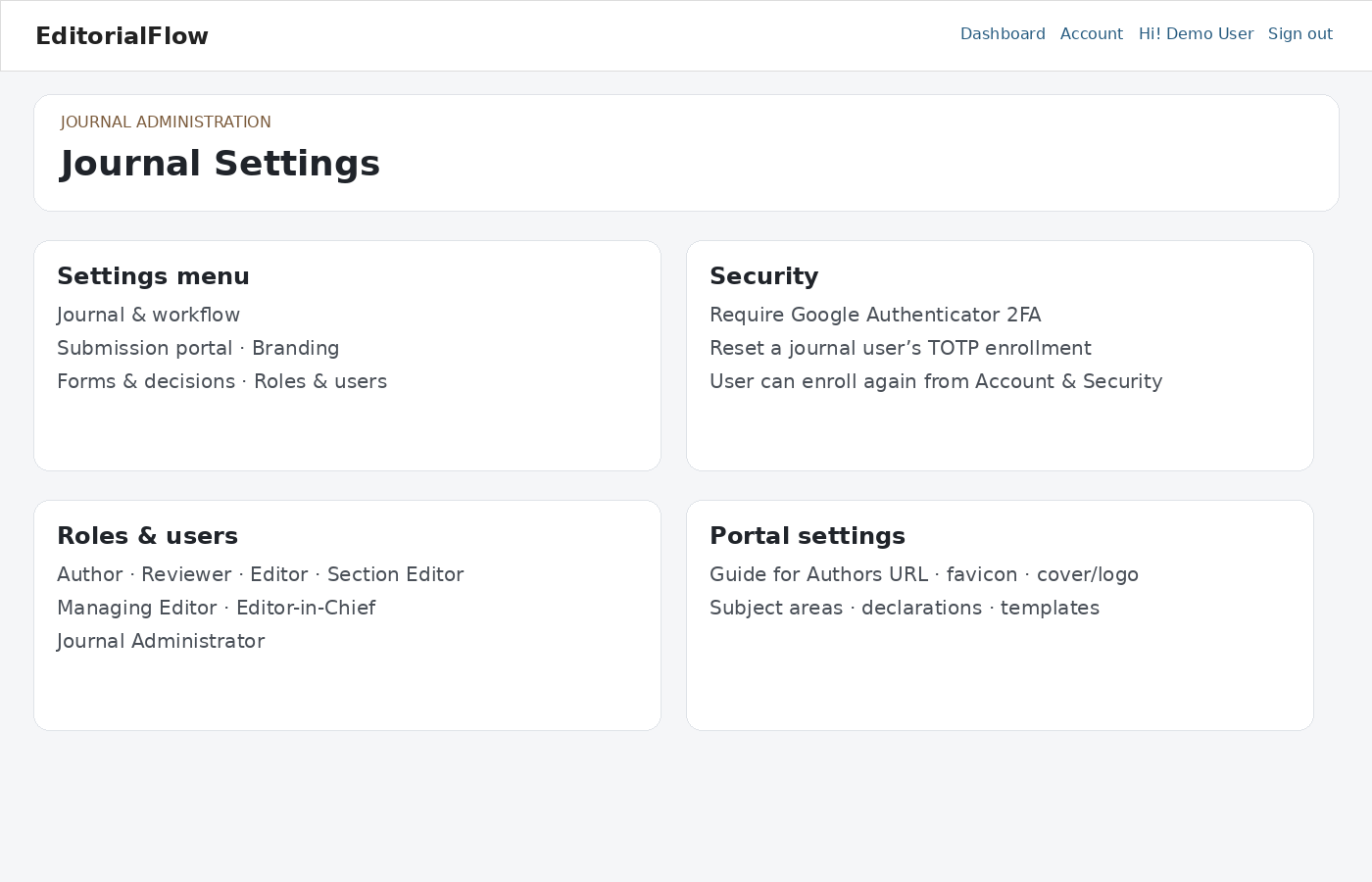
Configure the journal
- Review journal identity, logo, cover, favicon, colors, overview, publishing website and Guide for Authors link.
- Configure article types, subject areas, required reviews, submission options and permitted upload extensions/size.
- Review abstract requirements, cover letter settings, declarations and downloadable templates. Verify each template opens from an author account.
- Configure manuscript numbering carefully. Changing prefixes affects new manuscript identifiers; it does not renumber historical records.
- Review SMTP, email layout and templates. Retain supported placeholders and test representative messages before use.
Roles & users
Find the correct existing account before assigning a role. Add or deactivate journal memberships as staff responsibilities change. Review reviewer interests, expertise and ORCID where available. Deactivating a journal membership does not remove the platform identity.
Payment settings
Set currency, fee names, amounts and descriptions for the journal. A zero-amount option stores zero and disables the amount field. Payment requests follow completed peer review and provisional acceptance; verified or waived payment is required before final acceptance when payments are enabled.
Quality checks
Test author submission, technical correction, reviewer invitation and review, revision, fee verification and final decision using separate role accounts. Check the published-article record and notification only with valid publication details. Use the editor manual for workflow instructions.