Accepting a review
- Open the invitation and sign in with the account associated with the invitation.
- Review the article topic, deadline and any conflict of interest. Accept only if you can provide an independent, timely review; otherwise decline.
- Accepted assignments provide access to the reviewer workspace and permitted manuscript files. Contact the editorial office if required material is unavailable.
Preparing and submitting your report
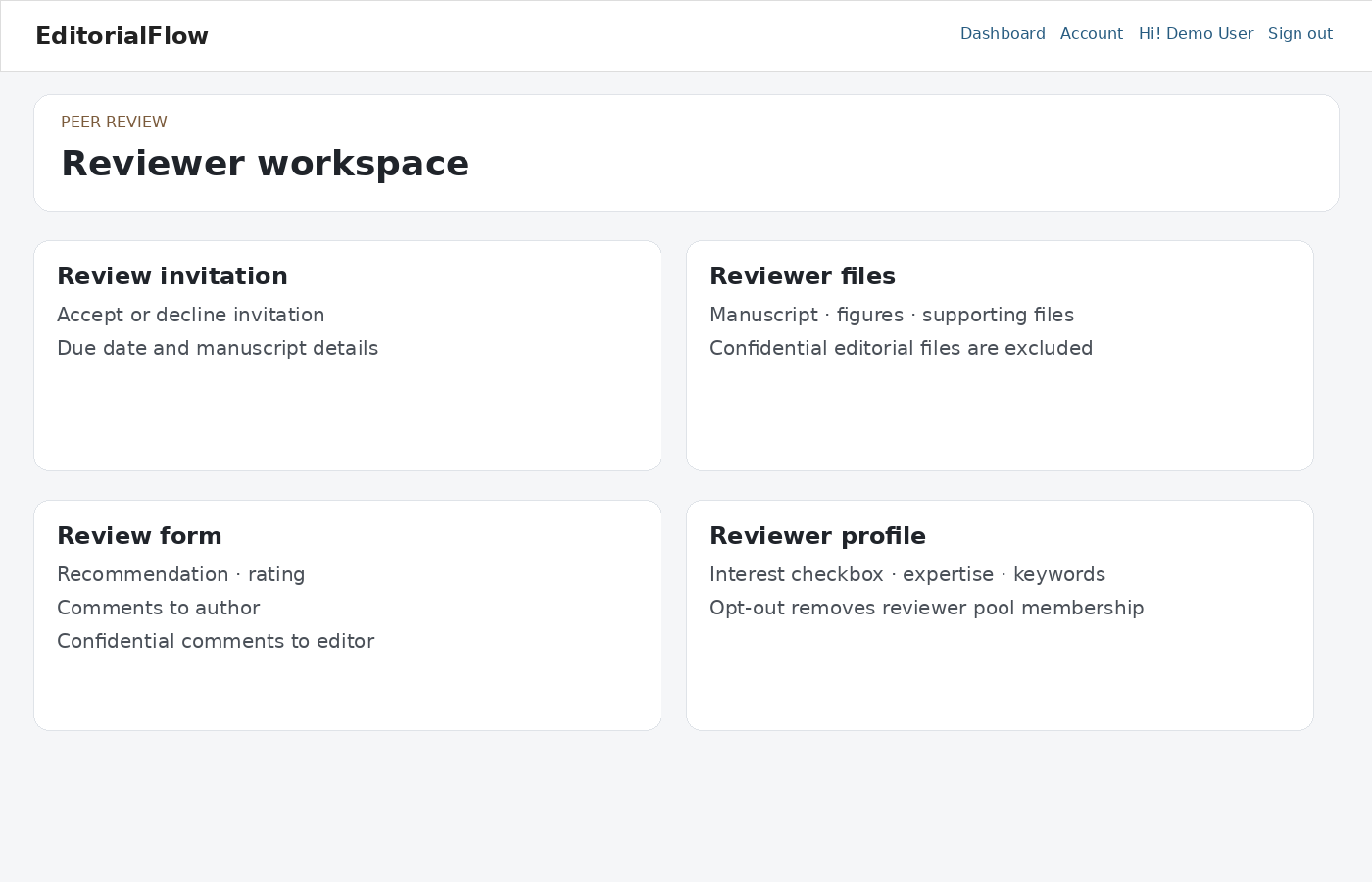
Read the manuscript and complete the journal’s review form. Distinguish comments intended for the author from confidential comments for the editor. Choose the recommendation and add permitted attachments. Review your report before submission; do not assume a submitted review can be edited.
Revisions and certificates
Review invitations are tied to manuscript versions. An older invitation cannot be used to review a newer version. Use the new invitation when re-review is requested. A reviewer certificate is available only when the journal’s configured rules and assignment status allow it.
Account and security
Keep expertise, ORCID and reviewer keywords current. The reviewer-interest preference affects discoverability, while editors may still assign appropriate reviewers. Use My Account & Security to configure two-factor authentication.
Confidentiality
Do not share manuscript files or review correspondence outside the authorized review process. Contact the editor about conflicts, missed deadlines or suspected research integrity issues.